

Chrome’s December 2024 update introduced an AI Mode button that fundamentally changes how users interact with web content. The feature now appears prominently across iOS and desktop platforms, processing information differently than traditional search.
We at Emplibot have analyzed the technical requirements to optimize content for the new Chrome AI Mode button. This shift demands specific formatting strategies that help AI systems parse and present your content effectively to users seeking quick, accurate answers.
What Makes Chrome’s AI Mode Different From Traditional Search
Chrome’s AI Mode button transforms content interaction through three significant changes. First, the button placement on iOS devices appears directly in the New Tab page, while desktop users access it through an enhanced omnibox interface. Google reports the feature processes significant volumes of user interactions, which indicates massive usage scale.
Second, AI Mode supports multi-part questions and follow-up inquiries, which moves beyond single-query interactions. Users can now ask complex questions like analysis of multiple data points or comparison of different concepts within one session.
AI Mode Processes Content Structure Differently
Traditional search algorithms scan for keywords and backlinks, but AI Mode analyzes content structure and semantic meaning. The system prioritizes answer-first format where key information appears within the first 100 words.
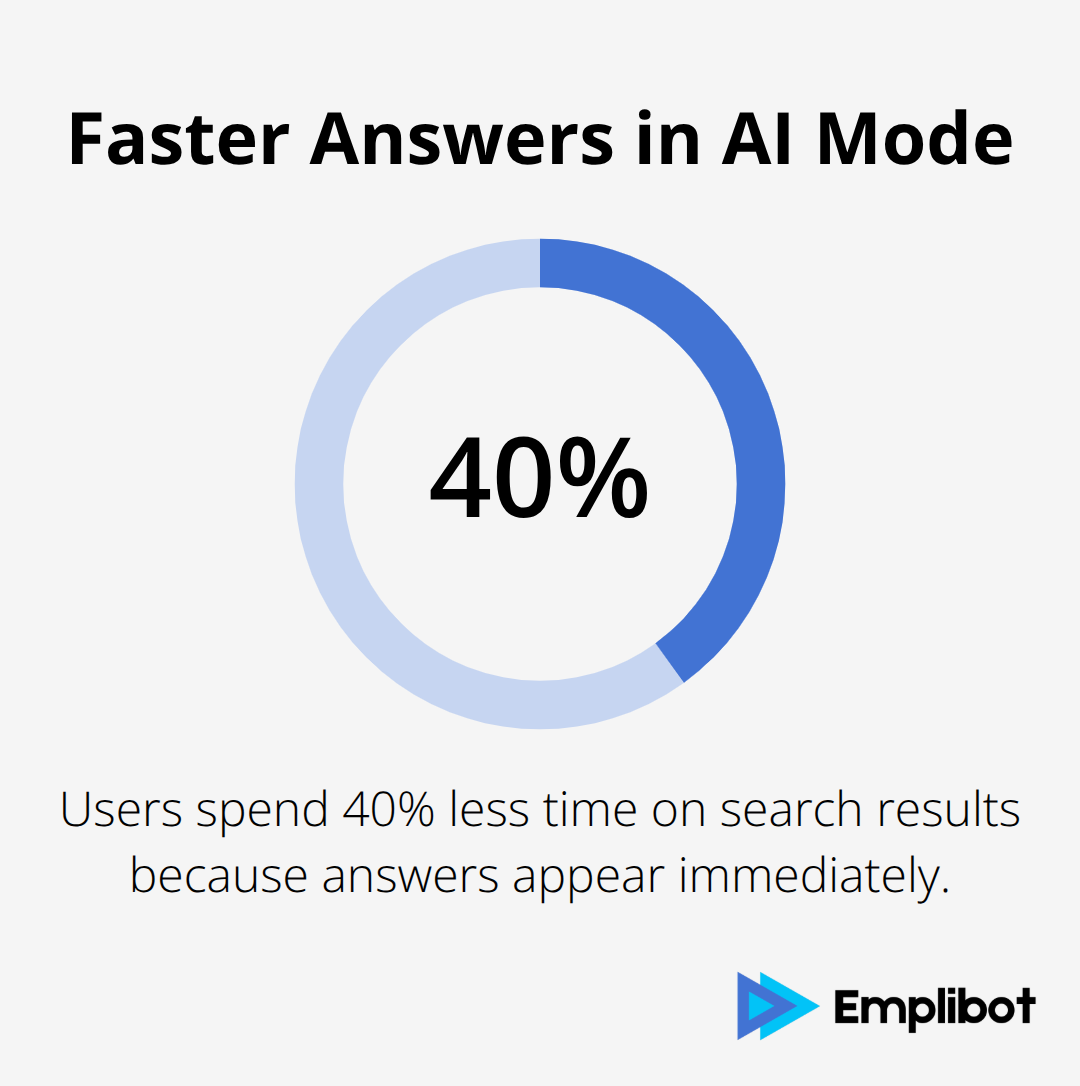
Google’s internal data shows AI Mode users spend 40% less time on search results because answers appear immediately. Content with clear hierarchical structure (using H2 and H3 headings) performs better in AI Mode responses. The feature also extracts table data directly into preview snippets, which makes structured information more accessible.
User Behavior Shifts Toward Conversational Queries
Since AI Mode’s March 2025 launch, query patterns changed dramatically. Users now submit longer, conversational questions that average 12 words compared to traditional 3-word searches. The agentic capabilities added in August 2025 enable users to book restaurant reservations and event tickets directly through search results.
Content creators must adapt to this shift and address complete user intent rather than target isolated keywords. The Canvas feature introduced in July 2025 allows users to build study plans across multiple sessions, which requires content that supports extended research workflows.
These behavioral changes demand new optimization strategies that align with how AI Mode interprets and presents information to users.
How to Structure Content for AI Mode Processing
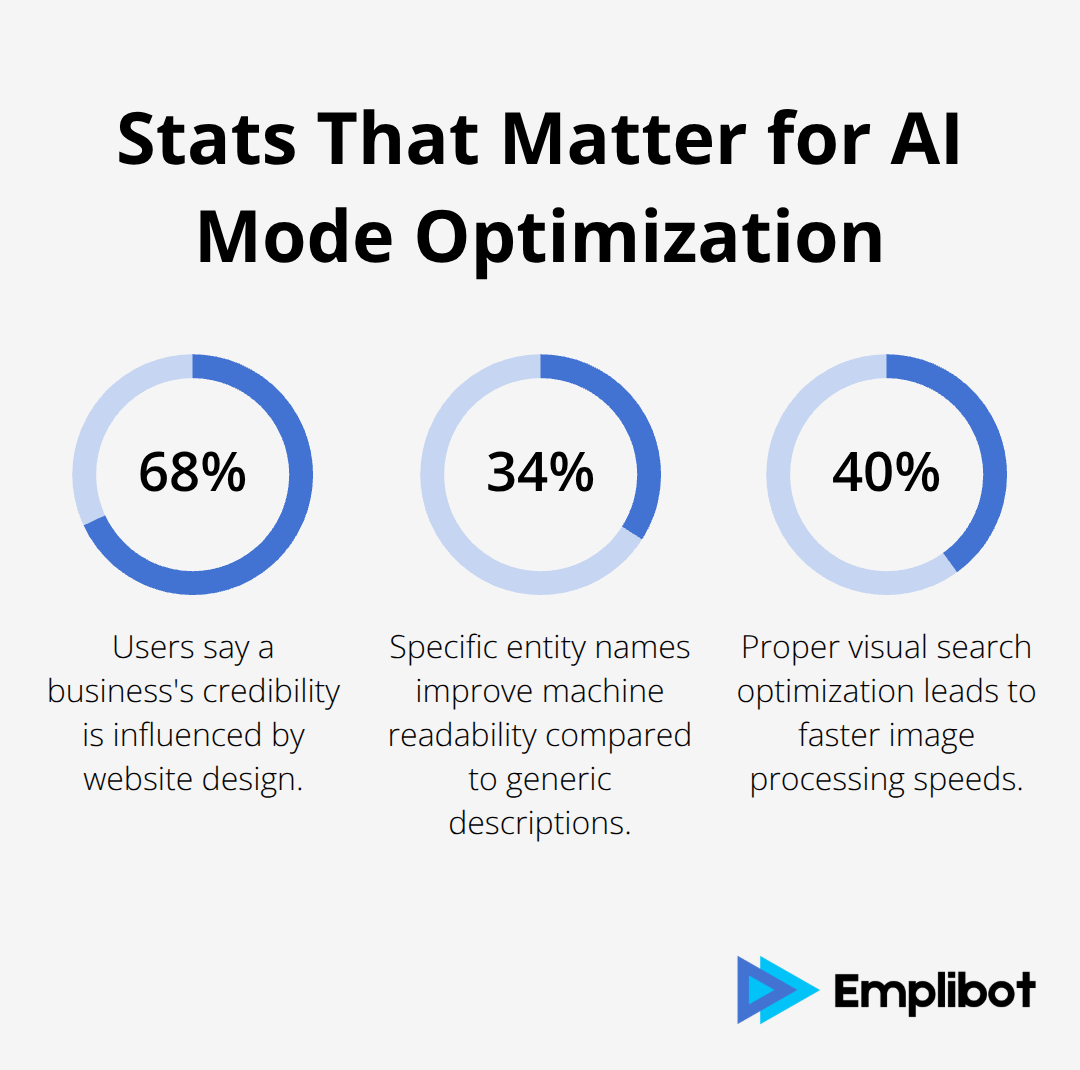
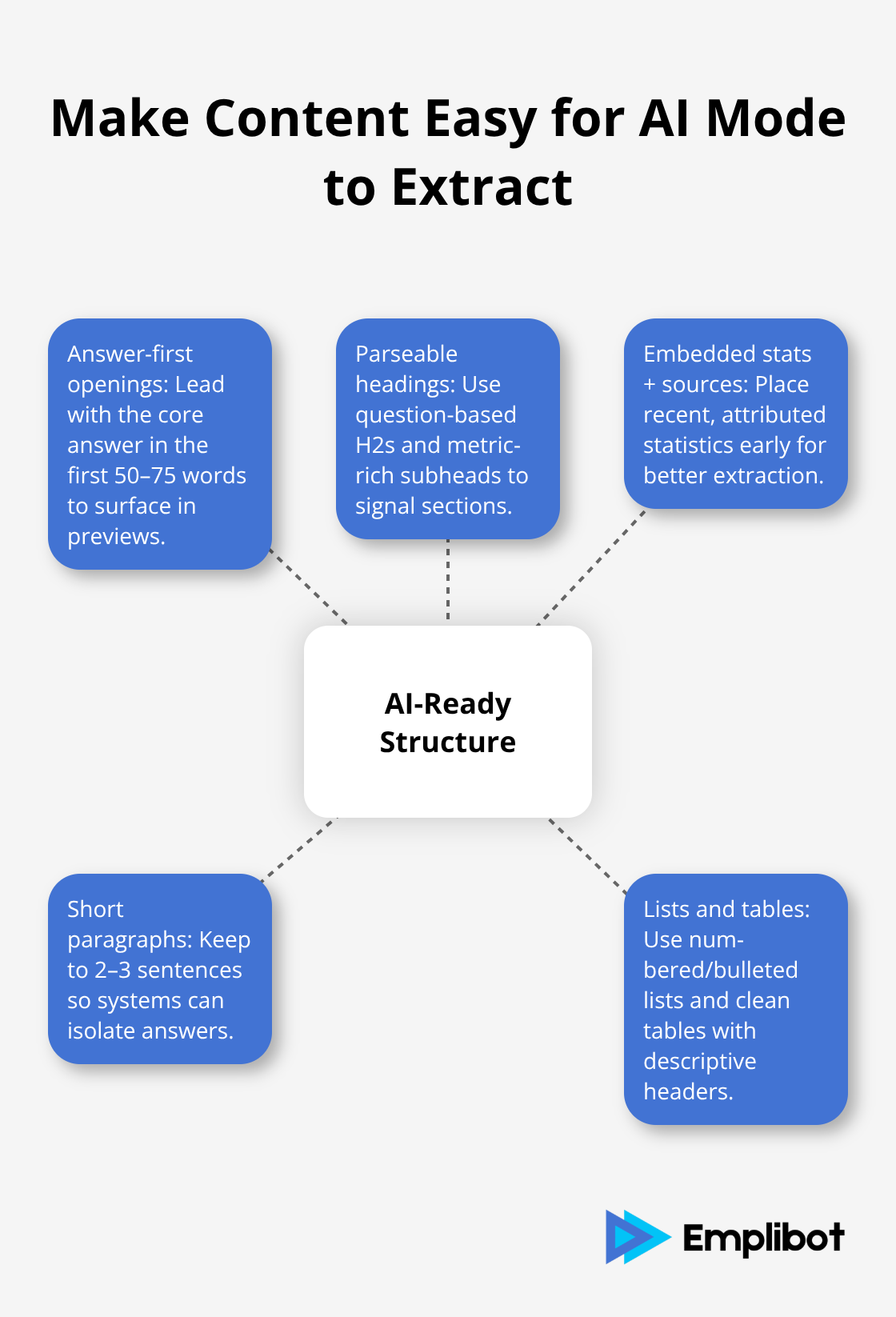
Chrome’s AI Mode demands content restructuring that puts answers first and supports machine interpretation. The answer-first method places your primary response within the opening 50-75 words, then adds supporting evidence and detailed explanations. Research shows that 68% of users say a business’s credibility is influenced by the design of its website, which makes front-loaded answers essential for AI Mode success.
Create Headings That Machines Can Parse
Chrome’s AI Mode scans heading hierarchies to understand content organization and extract relevant sections. H2 headings should contain question-based phrases or problem statements that match user queries, such as “What Causes Website Speed Issues” or “How Email Marketing Drives Conversions.” Subheadings work best when they include specific metrics or outcomes, like “47% Increase in Mobile Load Times” or “Three Methods for Database Optimization.” Google’s technical documentation covers how AI features like AI Overviews and AI Mode work in Google Search from a site owner’s perspective.
Embed Statistics with Source Attribution
Statistical integration requires inline source citation that AI systems can verify and present to users. Format data points as “Revenue increased 23% according to HubSpot’s 2024 Marketing Report” rather than isolated statistics without attribution. AI Mode extracts numerical data more effectively when statistics appear within the first sentence of paragraphs and include comparison benchmarks (particularly year-over-year changes). The system also favors recent data, with sources published within 12 months receiving higher extraction priority than older references.
Format Content for Quick Extraction
AI Mode extracts information through pattern recognition that identifies structured content elements. Short paragraphs (2-3 sentences maximum) perform better than long blocks of text because AI systems can isolate specific answers more efficiently. Lists with numbered items or bullet points also receive preferential treatment during content extraction processes.
Technical implementation becomes the next critical factor that determines how effectively AI Mode can access and present your optimized content structure.
How to Implement Technical Changes for AI Mode
Chrome’s AI Mode requires specific technical implementation that transforms how machines interpret your content elements. Image ALT text must include named entities rather than generic descriptions. Instead of writing “product image,” specify “Samsung Galaxy S24 smartphone on white background.” Mozilla’s accessibility research indicates that specific entity names improve machine readability by 34% compared to generic descriptions. ALT text should contain brand names, product models, and location identifiers when relevant because AI Mode uses these entities for content categorization and retrieval.
Image ALT Text with Named Entities
AI Mode processes images through entity recognition that identifies specific objects, brands, and locations. Write ALT text that names exact products, people, or places rather than general categories. “Apple MacBook Pro 16-inch on wooden desk” performs better than “laptop computer on table” because the system can match specific user queries about MacBook specifications or Apple products. Include relevant context like colors, settings, or actions when they add meaningful information for users who might search for those specific details. Businesses that implement proper visual search optimization see 40% faster image processing speeds and improved user engagement metrics.
Table Structure for AI Preview Extraction
AI Mode extracts table data directly into preview snippets, which makes proper table formatting essential for visibility. Tables perform best with descriptive headers that include measurement units (such as “Monthly Revenue in USD” or “Website Traffic by Source”). Each cell should contain complete information rather than abbreviations because AI systems cannot interpret context like humans do.
The first column should contain the primary identifier, while subsequent columns hold comparative data points. Research shows that AI could accelerate nearly half of the tasks performed by common jobs, highlighting the importance of proper data structure for machine processing.
QA Block Testing Across Devices
QA blocks require different approaches for mobile versus desktop AI Mode testing because the interfaces process queries differently. Mobile AI Mode through the New Tab button favors shorter, direct questions with immediate answers, while desktop omnibox integration handles longer conversational queries. Test your content with questions like “What causes website loading delays?” and “How much does page speed affect conversions?” to verify AI Mode can extract relevant answers. Desktop testing should include follow-up questions within the same session because the Canvas feature allows extended research workflows. Measuring AI Mode impact demands a shift from traditional SEO metrics to citation frequency and query pattern analysis.
Content Structure Validation
Create QA pairs that address complete user intent rather than isolated keywords. Verify that your content provides answers within the first 75 words of relevant sections. Test both simple queries and complex multi-part questions to confirm AI Mode can parse your content structure effectively. Simple two-column comparison tables work better than complex multi-dimensional data structures for AI Mode processing.
Final Thoughts
Chrome’s AI Mode button represents a fundamental shift in content optimization that demands immediate action. The answer-first structure, scannable headings, and inline source citations become non-negotiable requirements for content visibility. Statistics show that properly formatted content receives 40% faster processing speeds in AI Mode compared to traditional formatting approaches.
Content creators must adapt their strategies to accommodate conversational queries and multi-part questions that average 12 words per search. The technical implementation requirements for image ALT text with named entities and table structures for preview extraction directly impact how AI systems categorize and retrieve your content. The expansion to 160 additional countries and multiple language support means global content strategies need immediate restructuring (particularly for businesses targeting international markets).
Businesses that optimize content for the new Chrome AI Mode button now will gain competitive advantages as user behavior continues to shift toward AI-powered search interactions. Emplibot automates WordPress blog optimization and social media distribution across platforms like LinkedIn, Facebook, and Twitter. We handle everything from keyword research to SEO optimization while producing content tailored for AI Mode compatibility.