

ChatGPT Atlas launched as OpenAI’s first AI browser, marking a shift in how users consume web content. This new technology processes information differently than traditional browsers, requiring content creators to adapt their design strategies.
We at Emplibot recognize that learning how to design content for ChatGPT Atlas and AI browsers has become essential for maintaining visibility in search results. The browser war between AI-powered tools and conventional search engines demands immediate action from content teams.
What Makes ChatGPT Atlas Different from Regular Browsers
Bottom line: ChatGPT Atlas executes complete workflows through agent mode while traditional browsers require manual page-by-page navigation.
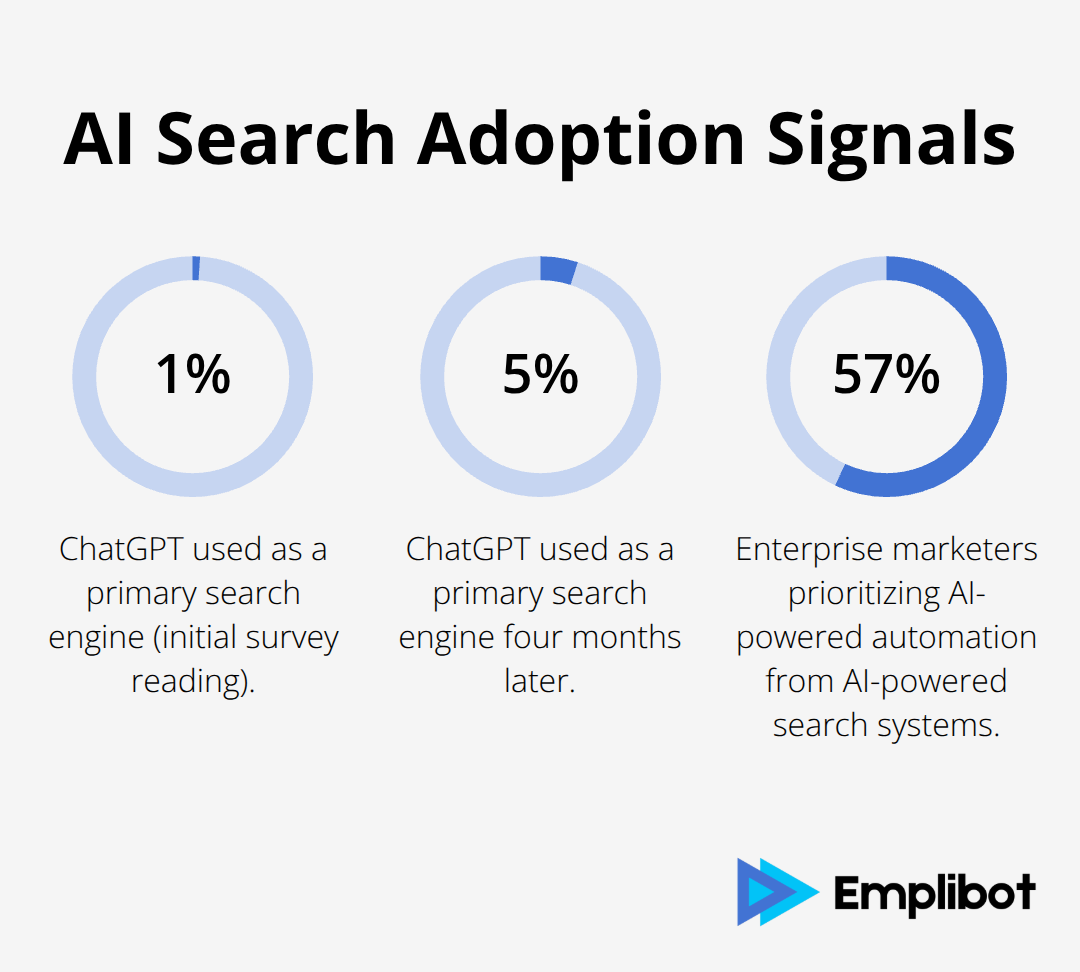
ChatGPT Atlas operates with agent mode that executes multi-step tasks automatically, from research to appointment booking without user intervention between steps. Traditional browsers require manual navigation between pages and applications, while Atlas completes entire workflows through conversational commands. The Evercore ISI survey shows ChatGPT usage as a primary search engine jumped from 1% to 5% in four months, indicating rapid adoption of AI-powered alternatives.
Agent Mode Processes Content Across Multiple Sources
Agent mode processes content contextually across multiple pages simultaneously, synthesizing information from various sources into single responses. Content creators must structure information to support automated extraction and cross-referencing. Atlas agents scan for specific data points like contact information, pricing tables, and actionable steps (prioritizing content that provides direct answers over descriptive text).
Memory Functions Create Persistent User Experiences
Atlas stores user interactions and referenced content through browser memories, creating personalized experiences that traditional browsers cannot match. Content must remain consistent across visits since Atlas references previous interactions when generating responses. Third Bridge analysts report Google’s search market share dropped below 90% for the first time in a decade, driven partly by AI browsers that remember user preferences and provide continuity between sessions.
Content Structure Must Support Automated Parsing
AI browsers parse content differently than human readers, scanning for structured data patterns and clear hierarchies. Tables, lists, and headers become navigation points for automated systems rather than visual elements for human consumption. Atlas processes semantic meaning from content organization (making proper formatting essential for AI comprehension).
These fundamental differences in how AI browsers consume content require specific optimization strategies that go beyond traditional SEO approaches.
How Content Structure Must Support AI Browser Parsing
Bottom line: AI browsers require structured content with semantic HTML tags, data tables with clear headers, and immediate answers positioned above the fold to function effectively.
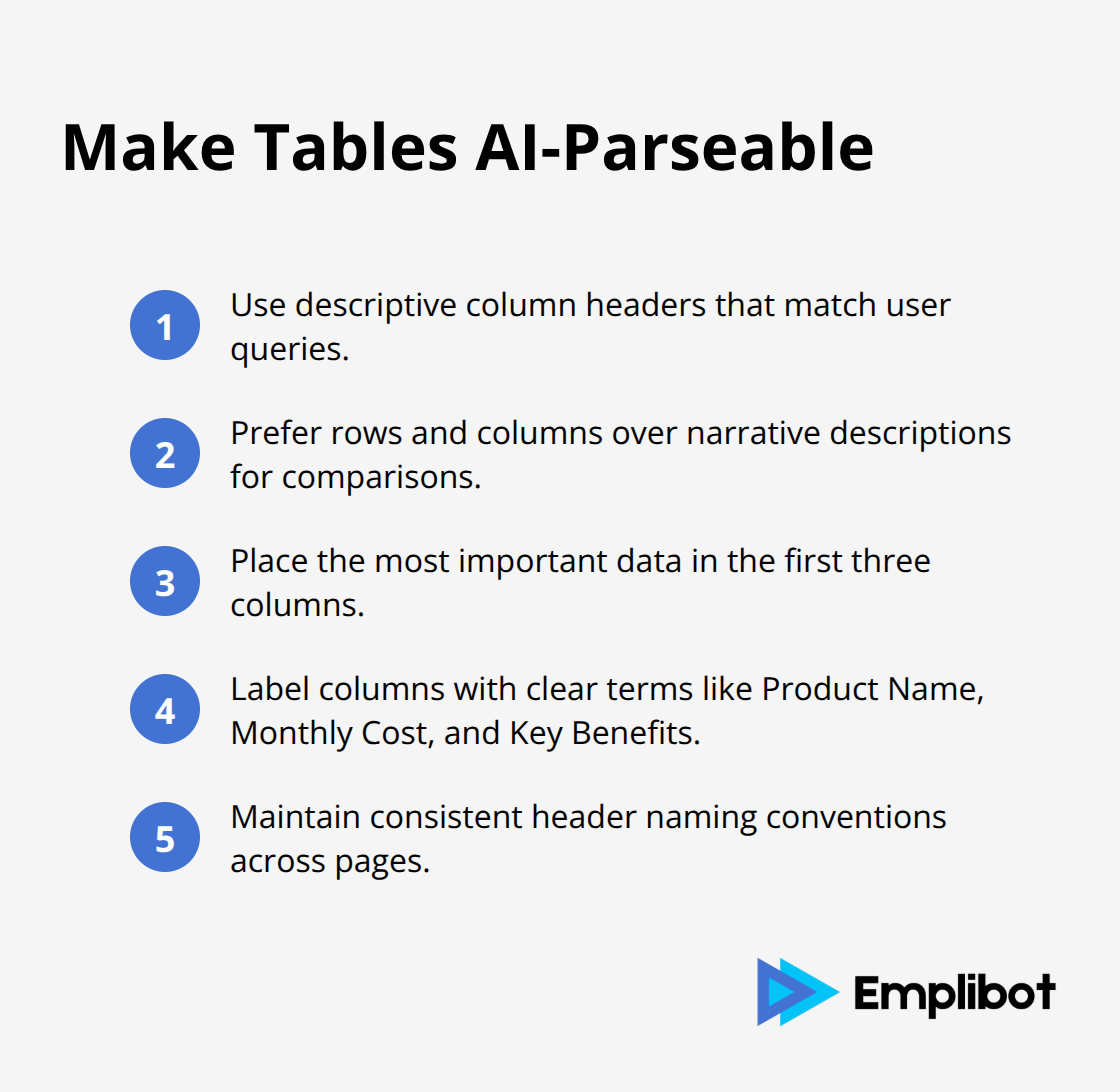
Atlas and similar AI browsers scan content with structured data patterns rather than visual layouts, which makes semantic HTML tags the foundation for proper content parsing. Headlines must include target keywords within the first 60 characters since AI browsers prioritize early semantic signals when they categorize content. Content creators should implement H1, H2, and H3 tags in strict hierarchical order, with each header that contains specific data points rather than vague descriptions. Tables require column headers with descriptive labels like Price, Features, and Availability instead of generic terms, since AI agents search for specific data categories when they fulfill user requests.
Data Tables Must Include Searchable Headers
AI browsers extract information from tables when they match column headers to user queries, which makes descriptive headers critical for content discovery. Tables with headers like Product Name, Monthly Cost, and Key Benefits perform significantly better than tables with ambiguous labels. Atlas agent mode specifically searches for comparison data within table structures and prioritizes content that presents information in rows and columns over narrative descriptions. Content teams should place the most important data in the first three columns of any table, since AI browsers scan left-to-right and prioritize early data points when they generate responses.
Above-the-Fold Answers Drive AI Browser Performance
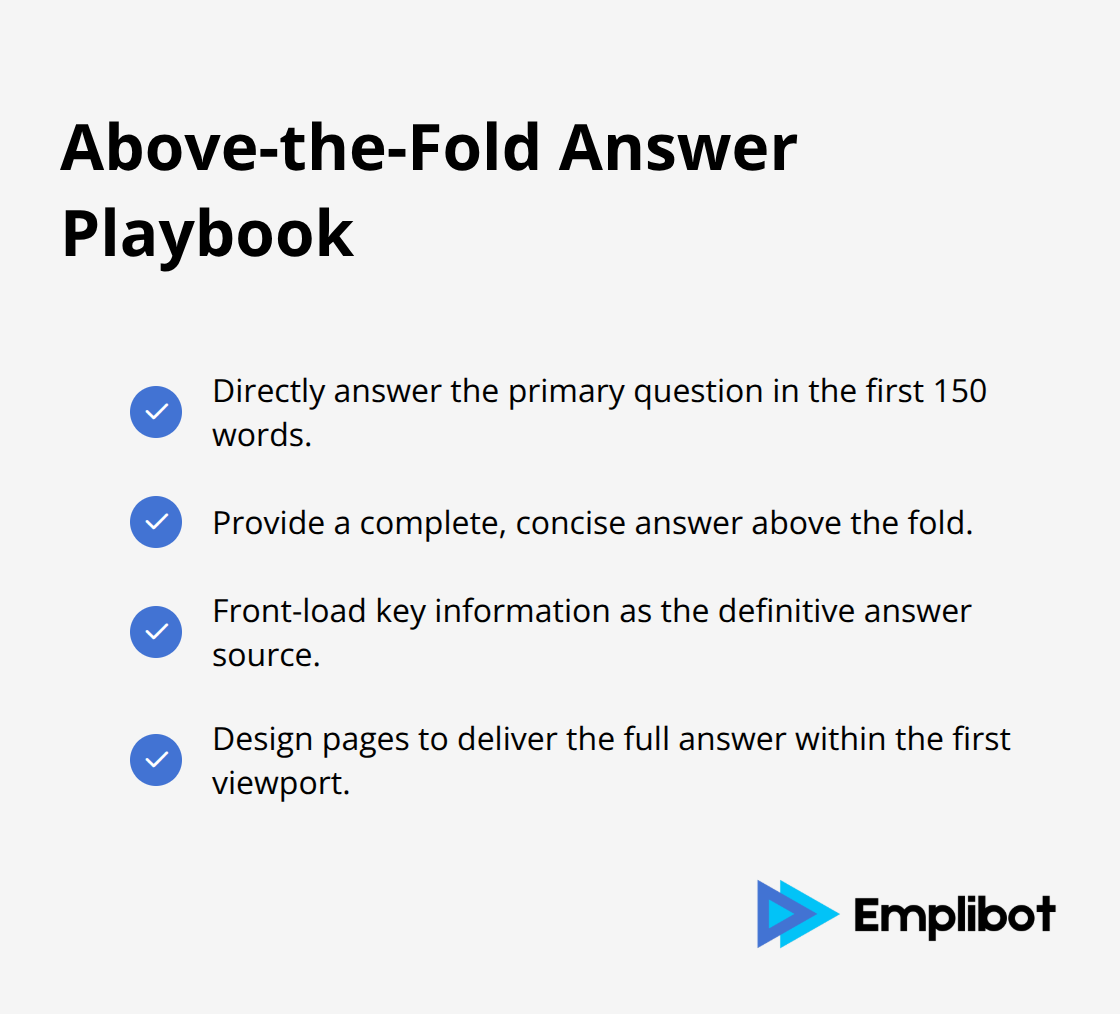
AI browsers rank content based on immediate answer availability, with above-the-fold responses that receive priority in agent mode results. The first 150 words of any page must directly address the primary user question, since Atlas processes initial content sections as the definitive answer source. Content positioned below the fold gets processed as supplementary information (which makes front-loaded answers essential for AI browser optimization). Pages that provide complete answers within the first viewport achieve higher selection rates in AI browser results compared to content that requires scrolling to find key information.
These structural requirements form the foundation for content that AI browsers can process effectively, but proper formatting alone won’t guarantee visibility without strategic design patterns that support automated interaction.
How Should You Structure Content for AI Agent Processing
Bottom line: AI agents require one-sentence summaries at section starts, 3-5 sourced facts per topic, and action-oriented button labels to process content effectively.
Content optimization for AI agents demands precise structural elements that traditional web design ignores. Each section must begin with a single-sentence summary that captures the core message, since Atlas processes these statements as primary content signals when it generates responses. Research from Stanford’s Human-Centered AI Institute shows that AI systems made major strides in generating high-quality video, and in some settings, language model agents even achieve enhanced performance when content includes explicit summary statements at section starts. Facts must include specific sources and numbers rather than general claims, with each topic that contains exactly 3-5 verifiable data points that AI agents can reference during automated tasks. Button labels require action verbs like Download Report, Schedule Demo, or Compare Prices instead of generic terms like Learn More or Click Here, since AI browsers scan for specific commands when they execute user workflows.
Sourced Facts Drive AI Agent Credibility
AI browsers prioritize content with attributed facts and statistics over unsourced claims (which makes proper citation essential for content visibility). Each topic section should contain 3-5 specific data points with clear source attribution, such as survey results from named research firms or performance metrics from recognizable studies. The Content Marketing Institute found that 57% of enterprise marketers say their organizations would place a high or medium priority on AI-powered automation from AI-powered search systems compared to content with unsourced claims. Facts positioned in the first paragraph of each section get processed as primary evidence by AI agents, while statistics buried in later paragraphs receive secondary consideration during automated content analysis.
Navigation Elements Must Support Automated Interaction
AI browsers scan navigation elements for specific action indicators, which makes descriptive button labels and clear menu structures critical for agent mode functionality. Navigation buttons should contain target keywords and action verbs within 2-3 words, such as Get Prices or View Demo rather than vague phrases that confuse automated systems. Menu structures require logical hierarchies with descriptive categories like Products, Solutions, and Resources instead of creative names that AI agents cannot interpret correctly. Atlas agent mode specifically searches for buttons with transactional language when it completes user tasks (prioritizing elements that indicate clear next steps over decorative navigation components).
Final Thoughts
The shift to AI browsers like ChatGPT Atlas represents automation as the new standard for content consumption. Content creators who design content for ChatGPT Atlas and AI browsers must prioritize structured data, immediate answers, and semantic clarity over traditional visual design approaches. The browser war between AI-powered tools and conventional search engines accelerates content strategy evolution at unprecedented speed.
Organizations that implement one-sentence bottom lines, sourced facts, and action-oriented navigation elements will maintain visibility as AI agents become primary content discovery mechanisms. Content teams must adapt their practices to support automated parsing rather than human reading patterns. Implementation requires immediate action across existing content libraries with audits for semantic HTML structure, descriptive table headers, and above-the-fold key answers.
Emplibot automates content creation with built-in SEO optimization that supports both traditional and AI browser requirements. The platform handles everything from keyword research to content distribution across multiple platforms (streamlining the transition to AI-optimized content). Organizations that embrace machine-first content design will capture traffic from AI browsers while competitors struggle with outdated optimization strategies.