

WordPress content automation tools have become essential for teams managing multiple publishing deadlines. Manual scheduling, keyword research, and distribution across platforms drain hours each week that could go toward strategy.
At Emplibot, we’ve seen firsthand how the right automation solution transforms editorial workflows. This guide walks you through what matters when selecting a tool and how to implement it without disrupting your existing processes.
Why Automation Saves Hours Weekly
Editorial teams waste enormous amounts of time on tasks that don’t require creative thinking. Scheduling posts, researching keywords, formatting content for different platforms, and manually sharing across social channels consume roughly 15 to 20 hours per week for a typical three-person team. WordPress automation eliminates these bottlenecks entirely. Instead of your editor spending two hours daily on scheduling and distribution, that time shifts toward strategy, reporting, and higher-value work. The math is straightforward: if you automate just one publishing workflow, you reclaim five to eight hours weekly. Scale that across a team managing 50 posts monthly, and you’re looking at 200+ recovered hours per year that can go toward audience research, content strategy, or simply reducing burnout.
The Reality of Manual Publishing
Most teams rely on email chains, spreadsheets, or shared documents to track what’s being written, reviewed, and published. This creates constant friction. An editor chases a writer for updates, someone forgets to add a meta description, another team member manually posts to Facebook hours after publishing, and inconsistencies pile up. Research shows that editorial teams using spreadsheets or email for workflow tracking experience 30 percent more missed deadlines than those with centralized systems. Automation replaces this chaos with predictable, repeatable processes.
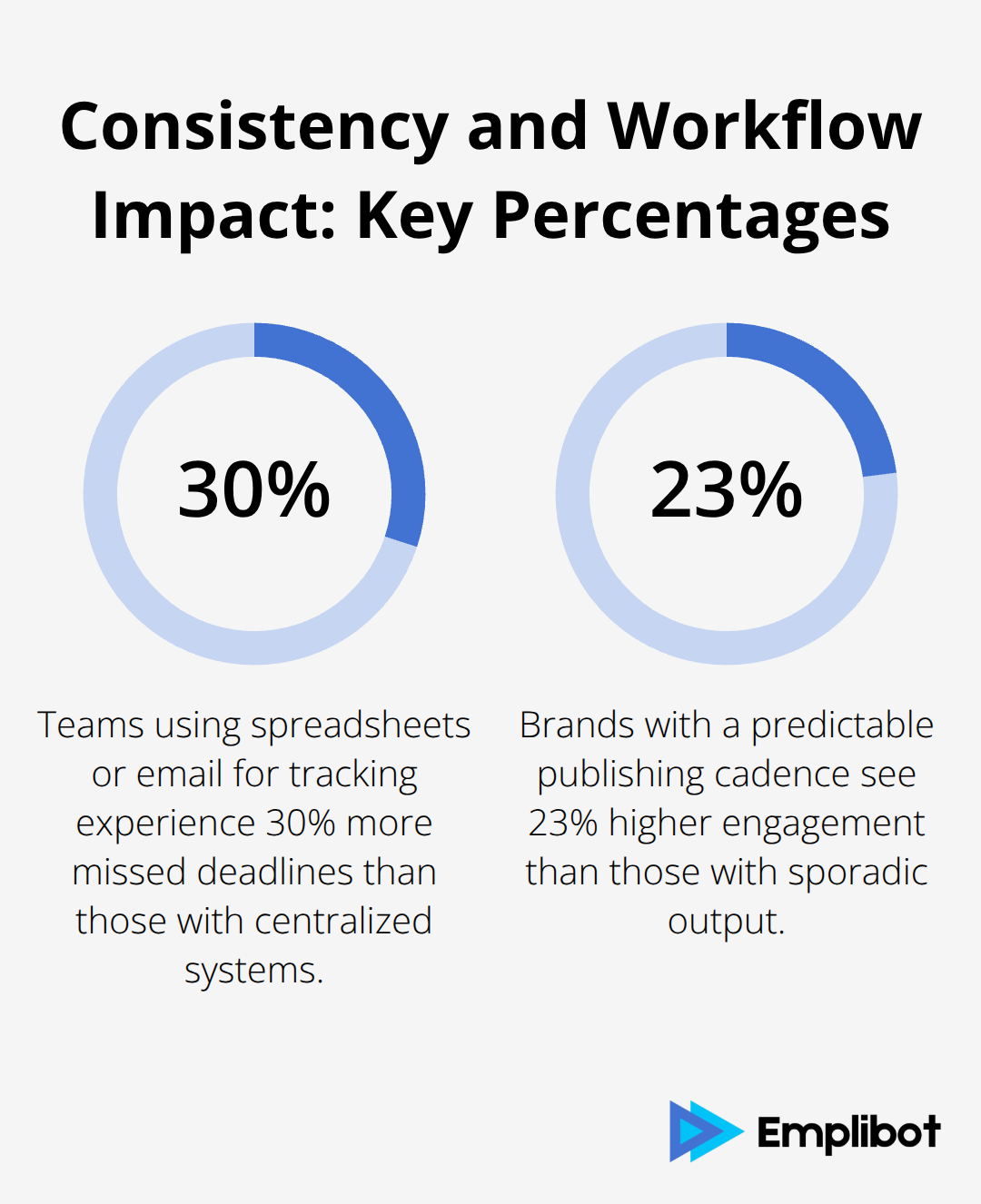
When you set up a workflow that automatically publishes posts to WordPress, adds SEO metadata, and distributes to LinkedIn and Twitter simultaneously, you remove human error from the equation. The content goes live on schedule, formatted consistently, with all required elements in place. This consistency matters because audiences expect regular, reliable publishing. Brands that maintain a predictable publishing cadence see 23 percent higher engagement rates than those with sporadic output.
Getting More Output Without More People
Hiring additional writers or editors is expensive. A full-time content creator costs $50,000 to $80,000 annually in salary plus benefits, and onboarding takes months. Automation delivers equivalent productivity gains at a fraction of that cost. Tools that handle keyword research, draft creation, SEO optimization, and distribution can increase your monthly output by 40 to 60 percent without adding headcount. A team of two using automation effectively can produce what previously required four people working manually. This doesn’t mean AI replaces human judgment, but rather that humans focus on what they do best-strategy, voice, and editorial decisions-while automation handles the mechanical work. The result is that smaller teams can compete with larger publishers because their time goes toward what matters rather than toward administrative tasks.
What Automation Actually Handles
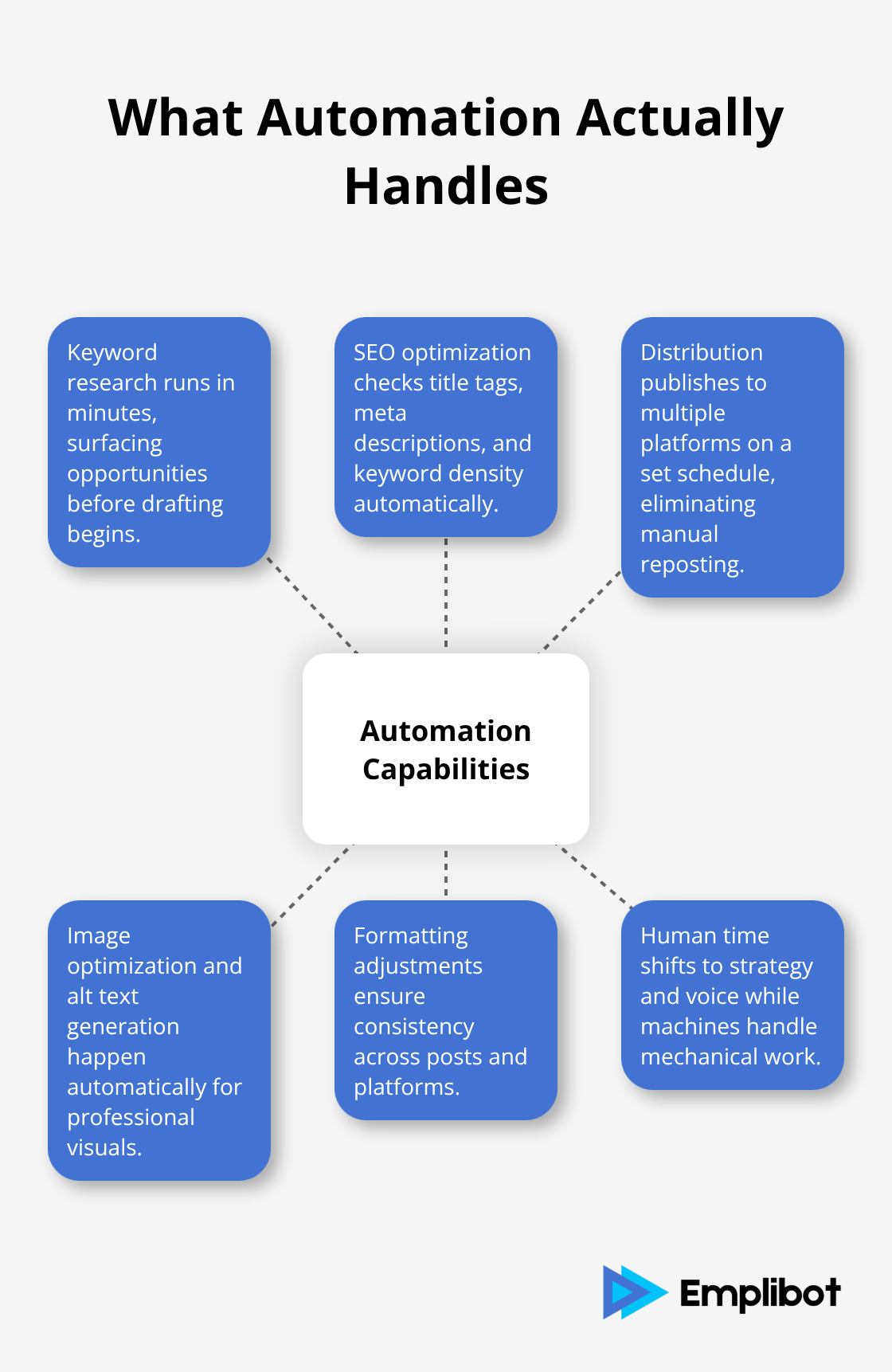
Content automation tools take on the work that slows teams down. Keyword research that once took hours now happens in minutes. SEO optimization runs automatically across your posts, checking title tags, meta descriptions, and keyword density without manual intervention. Distribution spreads your content across multiple platforms on a schedule you set, eliminating the need to post separately to LinkedIn, Facebook, and Twitter. Image optimization, alt text generation, and formatting adjustments all happen without human input. These capabilities (when combined with your editorial judgment) free your team to focus on what machines cannot do: deciding what stories matter, shaping your brand voice, and making strategic decisions about your content direction.
The next section covers the specific features that separate effective automation tools from those that merely add complexity to your workflow.
What Features Actually Move the Needle
The wrong automation tool creates extra work instead of reducing it. You need to look past flashy dashboards and focus on what directly impacts your publishing speed and content quality. The best tools combine three capabilities that genuinely matter: they research keywords before your writer starts, they optimize every post for search engines automatically, and they push your finished content to multiple platforms on a single schedule.
Identify Your Real Bottleneck
Most teams waste weeks evaluating tools that promise everything but deliver features nobody uses. Instead, focus on what solves your actual bottleneck. If your team struggles with keyword research, prioritize a tool that integrates real-time SERP data and shows you exactly what competitors rank for. If your bottleneck is distribution, pick something that publishes to WordPress, LinkedIn, Facebook, and Twitter simultaneously without manual formatting for each platform.
Surfer SEO exemplifies this focus-it delivers real-time on-page optimization with a Content Score that tells you exactly what’s missing from your post before you publish. The tool checks keyword density, readability, and SERP structure automatically, eliminating guesswork about whether your content will rank. Integration matters equally. Your automation tool must connect seamlessly with WordPress, not require workarounds or custom code. Activepieces offers 450 pre-built integrations including WordPress and OpenAI, letting you build no-code workflows that pull ideas from Google Sheets, draft posts automatically, and publish directly to WordPress without touching anything manually.
SEO Optimization That Works Against Real Competition
Real SEO automation checks your content against what’s actually ranking right now, not theoretical best practices from 2023. Surfer SEO’s Content Score compares your draft against the top 10 ranking pages for your target keyword, then tells you exactly what sections are missing, what word count you need, and which keywords appear in winners but not in your post. This matters because 64.82% of Google searches now end without a click-usually because content is optimized for the wrong keywords or lacks the depth searchers expect.
Canva AI handles visual optimization separately, resizing designs automatically for different platforms so your featured images look professional on LinkedIn, Twitter, and Facebook without manual adjustments. The combination of text and visual optimization means your posts rank better and get clicked more often. Distribution automation without platform-specific formatting wastes your advantage. Activepieces lets you build workflows where a single WordPress post automatically generates LinkedIn captions, Twitter threads, and Facebook updates-each formatted for that platform’s algorithm and audience behavior. This eliminates the common mistake of posting identical text everywhere, which tanks engagement because LinkedIn audiences expect professional insights while Twitter audiences want brevity and personality.
Scale Through Incremental Automation
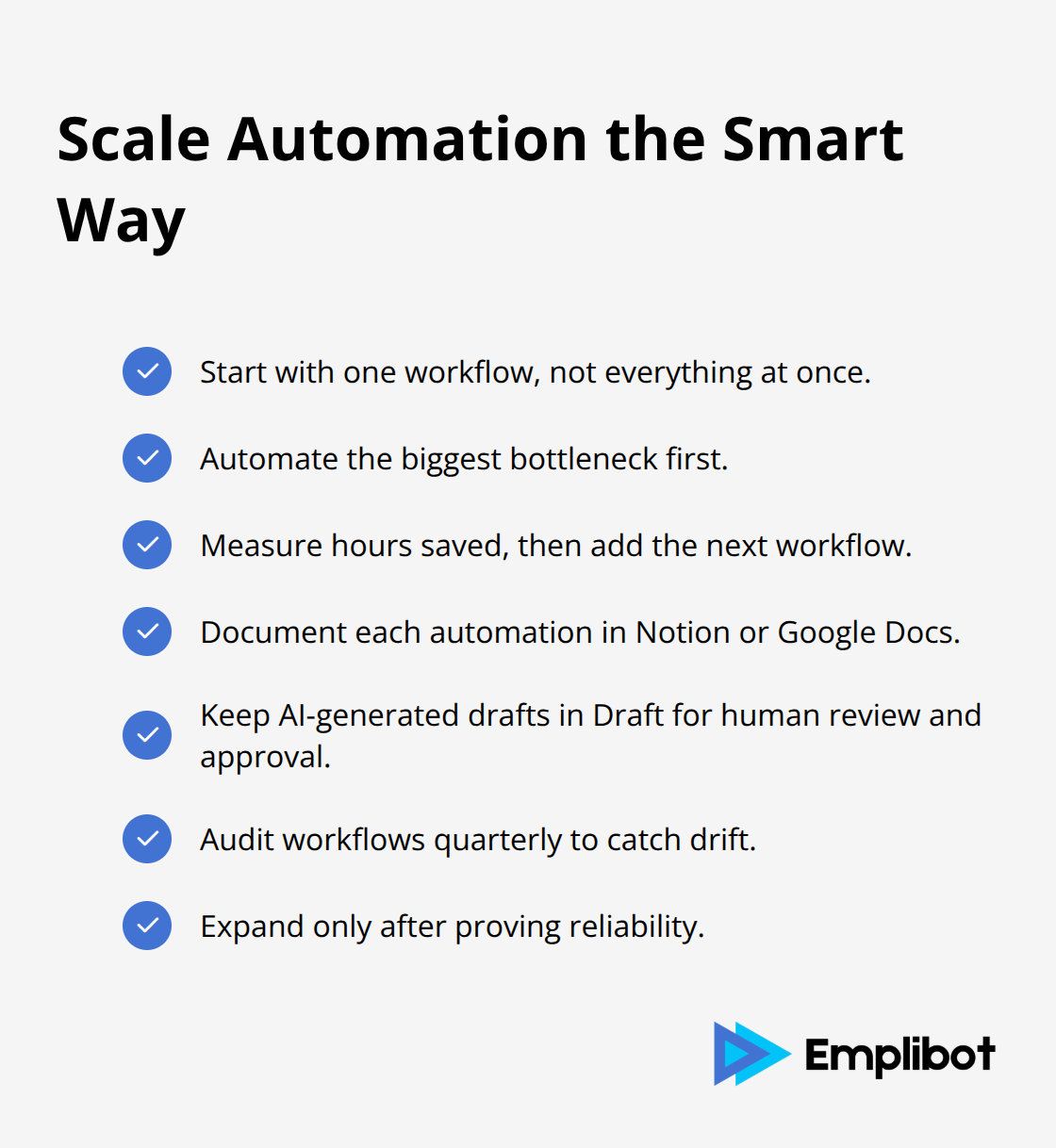
Start with one workflow before attempting everything at once. Pick your biggest bottleneck-whether that’s keyword research consuming three hours weekly or manual posting across four platforms-and automate that first. Measure how much time you recover, then add the next workflow. This approach proves value to your team and prevents the common failure where overly complex automation breaks because nobody understands how it works.
Document every automation in a central location like Notion or Google Docs so new team members can follow the logic. Audit quarterly to catch workflows that drift or no longer serve your process. The most effective automation combines human judgment with machine efficiency. Drafts generated by AI tools should remain in Draft status until a human reviews, edits, and approves before publishing. This prevents brand voice inconsistencies and factual errors that damage credibility. A three-person team using this approach-AI drafting with human review before publication-can produce 50 high-quality posts monthly. Without automation, that same team produces roughly 20. The difference isn’t that the tool writes better; it’s that humans spend less time on formatting, keyword research, and distribution, so more time goes toward strategy and editorial decisions that actually require judgment.
The next step involves selecting a tool that matches your workflow and team size, which requires understanding how different platforms handle WordPress integration and multi-channel publishing.
Picking a Tool That Fits Your Team, Not the Other Way Around
Choosing an automation tool fails when teams select based on feature lists instead of their actual workflow. You need to map what your team does right now, then find a tool that improves that specific process rather than forcing you to restructure everything around the software. Most teams waste weeks evaluating platforms that promise to do everything, then abandon them because the setup is too complex or the features don’t match how your writers and editors actually work. The right approach is narrower: identify your single biggest time drain, find a tool that solves it, implement that first, and only expand once you’ve proven the value.
Map Your Current Workflow Before Tool Selection
Start by timing your current workflow for two weeks. Track how long keyword research takes, how many minutes go into formatting posts for different platforms, how much time your editor spends on revisions, and where drafts typically stall. You’ll likely find that one task consumes disproportionate time. If distribution takes six hours weekly across four platforms, prioritize a tool with strong multi-channel publishing. If keyword research and SEO optimization consume most of your time, Surfer SEO at $99 monthly makes sense because it automates the exact bottleneck you identified. Activepieces at $25 monthly works better if your problem is connecting WordPress to external tools like Google Sheets or Slack.
The mistake is paying for features you don’t need. Rytr offers 40+ templates and 30+ languages starting at $9 monthly, but if your team only publishes in English and writes one content type, those features add cost without value. Jasper AI costs $69 per seat monthly and trains on your brand voice, which matters only if consistency across dozens of posts per month is your actual problem. Most three-person teams don’t need that investment early on.
Prioritize Native WordPress Integration
WordPress integration quality separates tools that actually work from those that create extra steps. If a tool doesn’t have native WordPress integration, you’ll need to use a connector like Zapier or Activepieces, which adds complexity and monthly costs. FuseWP at $199 annually bridges WordPress and email platforms like MailerLite, but only if you’re specifically syncing subscriber data between systems. For most teams, native integration saves hours of setup and prevents the frustration of debugging why a workflow broke when a third-party connector changed its API.
Test Tools Before Committing to Annual Plans
Rytr and Jasper both offer free trials or free tiers with limited monthly characters, so you can test whether the AI output matches your voice and quality standards. Surfer SEO integrates with Google Docs, letting you test its optimization suggestions on existing posts before paying. Activepieces has a free plan for 1,000 tasks monthly, which covers basic workflows for small teams. Spend a week running real posts through the tool during the trial period. If your team spends three hours per post on keyword research, and Surfer cuts that to 45 minutes, the $99 monthly cost pays for itself in the first week. If the AI-generated drafts require heavy editing because the voice doesn’t match your brand, Jasper’s brand voice capabilities might be worth the higher cost.
Compare Pricing Models and Support Quality
Pricing structures vary significantly, and the cheapest option rarely works best. Activepieces charges flat monthly rates with unlimited automations, so scaling from 10 workflows to 100 costs the same. Zapier charges per task, meaning a high-volume publishing operation could pay $500+ monthly once you exceed their task limits. MailerLite’s Free plan covers up to 500 subscribers and 12,000 monthly emails, then scales based on subscriber count rather than email volume. For a team publishing 50 posts monthly across four platforms with social distribution, Zapier’s per-task pricing becomes expensive quickly, while Activepieces’ flat rate stays predictable.
Support quality matters most when setup fails. Activepieces and Jasper offer live chat and email support, which helps when a workflow breaks at 2 PM and you need someone to respond that day. Rytr’s support is email-only, which works for questions but not for emergencies. Surfer SEO includes onboarding calls with paid plans, which prevents weeks of confusion about how to use the Content Score effectively. Most WordPress-specific tools like Edit Flow and PublishPress include documentation and community forums, but response times from actual support staff vary. Choose based on whether your team needs hands-on help or prefers self-service troubleshooting.
Implement One Workflow, Then Expand
Set up one automation, measure how many hours it saves, and document the workflow in Notion or Google Docs so team members can follow it. Add the next workflow only after proving the first one works reliably.
This prevents the expensive mistake of building a complex autoblogging WordPress plugin infrastructure that nobody understands or uses.
Final Thoughts
WordPress content automation tools work because they eliminate the friction that slows teams down. Keyword research, SEO optimization, and multi-platform distribution consume hours that could go toward strategy and editorial decisions that actually require human judgment. The teams that win aren’t necessarily larger or better funded-they’re the ones who automated their bottleneck first, measured the time saved, and then expanded from there.
Selecting the right tool matters far less than selecting the right bottleneck to automate. A $9 monthly tool that solves your actual problem beats a $200 monthly platform that promises everything but requires weeks of setup. Map your workflow, identify where time disappears, and find a tool that addresses that specific friction point. Test it during the trial period with real posts from your editorial calendar.
Emplibot automates your WordPress blog and social media by handling keyword research, content creation, and SEO optimization while distributing across LinkedIn, Facebook, and Twitter. A three-person team using this approach produces roughly 50 high-quality posts monthly, compared to around 20 without automation. Start with one workflow this week and measure how many hours you recover.