

WordPress SEO optimization isn’t optional if you want organic traffic. Most WordPress sites leave significant ranking potential on the table because they skip the fundamentals.
At Emplibot, we’ve seen firsthand how the right SEO tactics transform blog visibility. This guide covers the specific strategies that work: keyword research, technical fixes, content quality, and backlink building.
Keyword Research That Actually Drives Traffic
Google processes over 13.6 billion searches daily, and most WordPress site owners waste this opportunity by targeting the wrong keywords. High-intent keywords separate blogs that attract qualified visitors from those that accumulate vanity traffic. The difference lies in understanding what your audience actually searches for when they’re ready to take action.
Finding Keywords Your Audience Actually Searches
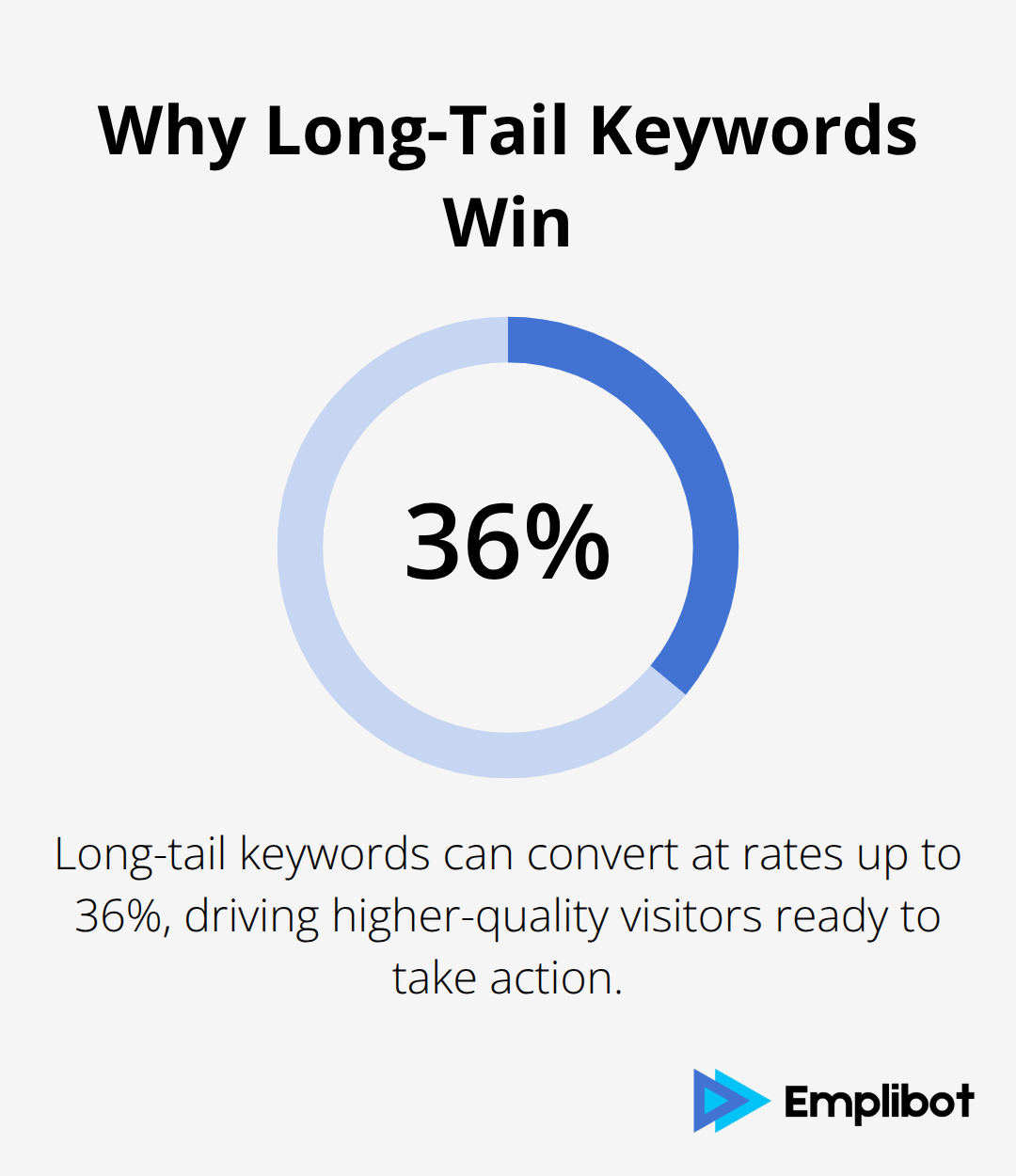
Tools like Ahrefs, Semrush, and Moz reveal search volume and competition data, but the real insight comes from identifying long-tail keywords that convert at rates up to 36%. These phrases typically contain 3+ words and match specific user intent. A WordPress blog targeting boat sales should prioritize keywords like “affordable sailboats under 50k” over generic terms like “boats.” This specificity matters because users searching for specific solutions convert at higher rates than those browsing broadly.
Long-tail keywords also rank faster than competitive head terms, giving newer sites a realistic path to visibility.
Placing Keywords Where Search Engines Notice Them
Placement determines whether search engines recognize your page’s relevance. Include your primary keyword in the SEO title near the beginning to signal importance immediately. Your meta description should contain the keyword within 160 characters while clearly describing the page’s value. Subheadings throughout your content reinforce topical focus, so use your keyword naturally in at least one H2 or H3. Place the keyword in both your first and final paragraphs to emphasize page focus. Your URL slug should include the keyword using hyphens and lowercase letters, avoiding unnecessary stop words. This multi-point approach tells search engines exactly what your page covers without stuffing keywords unnaturally into sentences.
Monitoring Rankings and Adjusting Content
Most WordPress site owners publish content and hope for rankings. Data-driven site owners monitor actual performance through Google Search Console, which reveals which queries bring impressions, clicks, and rankings. Track your keyword positions monthly using Ahrefs or Semrush to identify which content climbs rankings and which stagnates. Pages ranking in positions 11-20 often respond quickly to minor optimizations and represent the fastest wins. New WordPress sites typically require 2 to 6 weeks before appearing in results, so patience during this period prevents premature strategy shifts.
Measure success by organic traffic growth and conversion rates, not rankings alone. A keyword ranking #3 with zero clicks indicates search intent misalignment. Adjust underperforming content by refreshing outdated information, expanding thin sections, and improving internal linking to related high-performing pages. This iterative approach transforms stagnant content into traffic generators. Once your keyword foundation is solid, technical SEO determines whether search engines can actually crawl and index your pages effectively.
Technical SEO That Search Engines Actually Reward
Search engines cannot rank what they cannot crawl. WordPress sites frequently fail at technical SEO basics, which means their content never gets indexed properly regardless of quality. Core Web Vitals directly influence rankings since Google uses page experience as a ranking signal. Core Web Vitals measure real-world user experience for loading performance, interactivity, and visual stability of the page, and pages scoring in the green on PageSpeed Insights see measurable ranking improvements.
Speed Optimization Transforms Rankings
WordPress site owners often overlook speed because they assume it’s a hosting problem when it’s actually a configuration problem. Caching alone reduces load times by 50 percent or more, which is why tools like WP Rocket remain industry standards for WordPress speed optimization. Minification of CSS and JavaScript cuts file sizes dramatically without affecting functionality. Image optimization matters more than most believe since uncompressed images consume 50 to 80 percent of page weight on typical WordPress blogs. Tools like Imagify automate compression and resize images to actual display dimensions rather than serving full-resolution files.
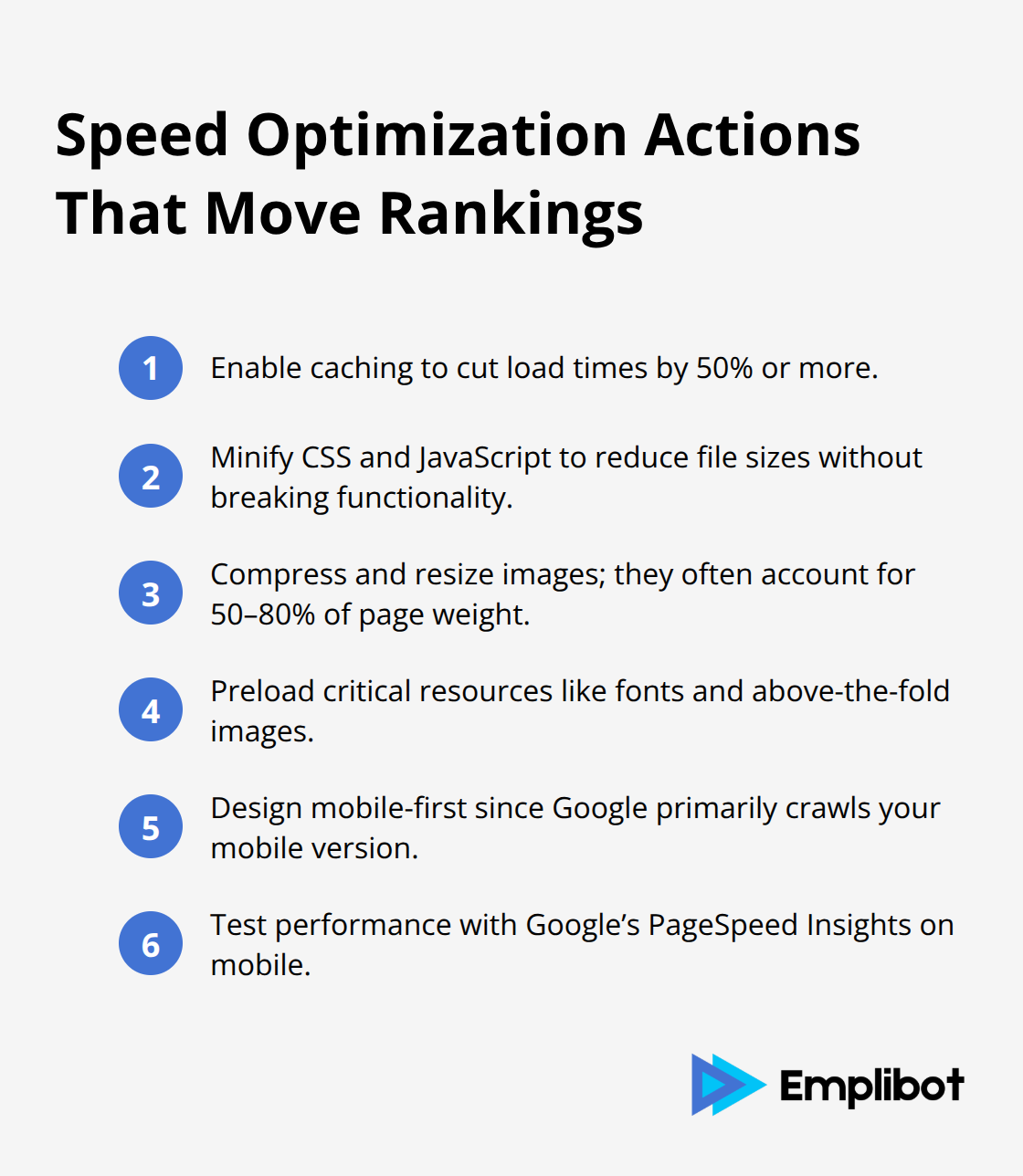
Preload critical resources like fonts and above-the-fold images to accelerate perceived speed. Mobile-first indexing means Google crawls and ranks your mobile version primarily, so responsive design is non-negotiable. Test mobile performance specifically using Google’s PageSpeed Insights rather than desktop metrics alone, since mobile users see different performance characteristics than desktop visitors.
Sitemaps and Robots.txt Control Crawlability
XML sitemaps and robots.txt files serve distinct purposes that many WordPress owners confuse. XML sitemaps tell search engines which pages exist and how frequently they change, accelerating discovery of new content. SEO plugins like Rank Math create separate sitemaps for posts, pages, and custom post types automatically. Submit your sitemap directly to Google Search Console to signal updates faster than waiting for natural crawl cycles. Robots.txt controls which pages search engines can access, and misconfiguration here blocks indexation completely. Set robots.txt to allow search engines access to your entire site unless you have specific pages (like admin areas) that should remain hidden.
Fix Crawl Errors Before They Damage Rankings
Crawl errors in Google Search Console reveal indexation problems before they damage rankings. Address 404 errors by implementing 301 redirects using the Redirection plugin, which preserves link equity and user experience simultaneously. Soft 404 errors where pages return success codes but contain minimal content should be rewritten with substantial information or deleted entirely. Check your index status in Google Search Console monthly to verify that new content gets indexed within one week of publishing. Pages taking longer than two weeks to appear indicate crawl budget issues, usually caused by excessive redirects, slow server response times, or blocking important resources in robots.txt.
Accelerate Initial Indexation
WordPress.com sites require public settings to allow indexing, and new sites typically wait two to six weeks before initial indexing completes. Verify your site with Google Search Console immediately after launch rather than waiting for organic discovery, which accelerates the entire process significantly. This technical foundation ensures search engines can actually discover and rank your content, but technical perfection means nothing without high-quality content that earns authority through genuine backlinks and strategic internal connections.
Building Authority Through Quality Content and Backlinks
Content that ranks requires abandoning the idea that more words automatically mean better rankings. Search engines reward pages that comprehensively answer specific questions better than competitors, not pages that hit arbitrary word counts. The difference between a 2,000-word article that ranks and a 5,000-word article that doesn’t comes down to relevance density and user satisfaction signals. Your content should cover every angle of the user’s question without padding, which means researching what top-ranking pages already cover and identifying gaps they miss. Tools like Ahrefs show exactly which pages rank for your target keyword and their word count, so you know whether you need 1,500 words or 4,000 words to compete. Google’s E-E-A-T standards stand for Expertise, Experience, Authoritativeness, and Trustworthiness, so your author bio should clearly establish credentials in your niche rather than remaining anonymous. This matters because Google now heavily weights who wrote the content, not just what the content says.
Backlinks Act as Votes of Confidence
Backlinks function as votes of confidence from other websites, and high-authority backlinks from relevant sources outweigh dozens of low-quality links. The strategy isn’t to chase any link available but to target links from domains ranking for keywords in your niche. If you write about WordPress SEO, a backlink from a WordPress development agency carries infinitely more weight than a link from an unrelated directory site. Start by examining which sites link to your top three competitors using Ahrefs or Semrush, then identify opportunities where those sites might link to your superior content. Reach out to site owners with a specific reason why their audience would benefit from your resource. Most WordPress bloggers ignore this entirely and wonder why they never earn backlinks.
Outbound Links Signal Research Quality
Outbound links matter too, so link to authoritative sources within your content to signal that you’ve researched thoroughly and respect established expertise. Open outbound links in new tabs so visitors stay on your site while still giving credit to sources. This practice demonstrates that you’ve invested time in understanding your topic and aren’t simply regurgitating surface-level information. Search engines notice when you cite authoritative sources (especially those with strong domain authority), which reinforces your own credibility.
Internal Links Create Topical Authority Faster
WordPress sites that strategically link between related posts rank faster than sites with random internal linking. Topic clusters work by creating one pillar page that covers a broad topic, then creating subtopic pages that link back to the pillar with anchor text matching the main topic. If your pillar page targets “WordPress SEO,” subtopic pages about keyword research, technical SEO, and content strategy should all link back with the anchor text “WordPress SEO” or variations. This structure tells search engines that your site has comprehensive coverage of a topic area, which boosts rankings for the entire cluster.
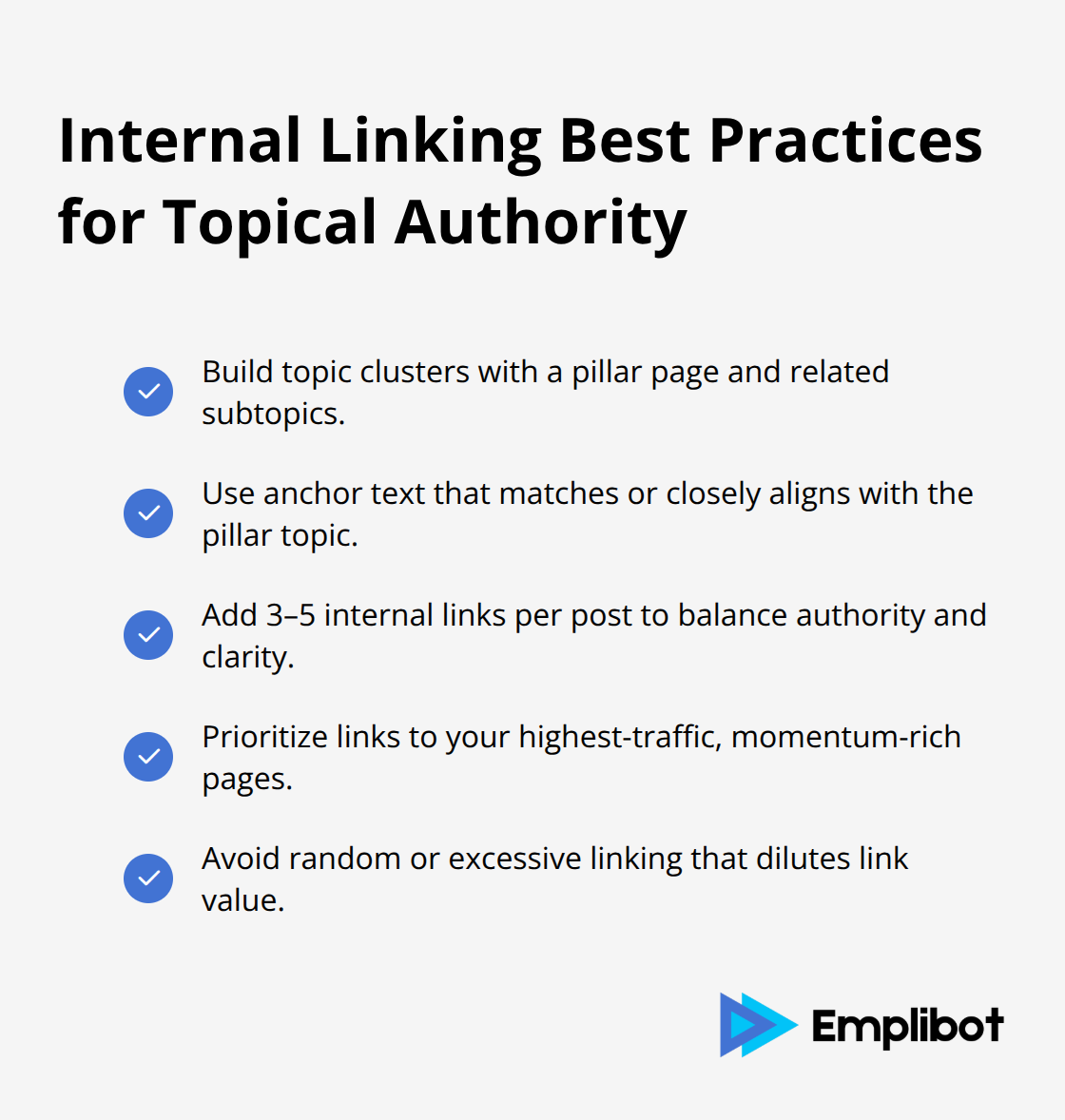
Avoid linking randomly or excessively, since over-linking dilutes the value of each link. Three to five internal links per post represent the sweet spot for passing authority without looking manipulative. Link to your highest-traffic pages first when introducing related topics, since those pages already have ranking momentum and need less help.
Final Thoughts
WordPress SEO optimization succeeds when you treat it as an ongoing system rather than a one-time project. The tactics covered here-keyword research, technical fixes, quality content, and backlink building-work together to create compounding results over months and years. Sites that implement all four pillars consistently outrank competitors who focus on only one or two areas, and most WordPress sites see measurable ranking improvements within three months of consistent optimization.
Monitor organic traffic through Google Analytics, not just keyword rankings, since traffic growth directly reflects whether your optimization efforts convert into actual visitors. Google Search Console shows which queries bring impressions and clicks, revealing whether your content matches search intent. Track conversion rates from organic traffic separately from overall traffic volume, since a small amount of high-intent traffic beats massive traffic that never converts.
Sustained organic growth demands consistency-publish new content on a regular schedule, refresh your highest-traffic pages annually, and audit your backlink profile quarterly to identify broken links and opportunities. Emplibot automates keyword research, content creation, and WordPress SEO optimization while distributing your content across social platforms automatically, freeing you to focus on strategy while the system handles execution.