

WordPress blog writing doesn’t have to be slow or painful. Most bloggers waste hours on formatting, research, and optimization when they could be publishing quality content in half the time.
We at Emplibot know that the right structure, tools, and SEO approach make all the difference. This post shows you exactly how to write faster without sacrificing engagement.
Structure That Stops Readers From Leaving
Write Headlines That Command Attention
Your headline is the only chance you get to convince someone to read your post. WordPress bloggers often waste this opportunity with vague, generic titles that fail to communicate what readers will actually learn. A strong headline answers a specific question or promises a concrete result. Instead of “WordPress Blog Writing Tips,” write “WordPress Blog Writing: Craft Engaging Posts Fast.” The second version tells readers exactly what they’ll gain. Research shows that 8 out of 10 people read headlines, but only 2 out of 10 read the full post-which means your headline determines whether visitors stay or bounce. Test different headline angles: how-to headlines consistently outperform list-based headlines in WordPress environments because readers want actionable steps, not generic advice.
Break Up Your Content Into Scannable Chunks
Once readers pass your headline, the structure of your post determines whether they scroll to the end or click away after 10 seconds. Short paragraphs are non-negotiable. Most WordPress posts fail because writers stuff 150-word paragraphs onto the page, forcing readers to strain their eyes and mentally parse dense blocks of text. Try 2-3 sentence paragraphs that run 40-60 words maximum. This approach forces you to eliminate filler and keep only the most valuable information. Subheadings serve as visual anchors that break up the page and allow skimmers to find relevant sections without reading every word.
Use Subheadings as Navigation Signposts
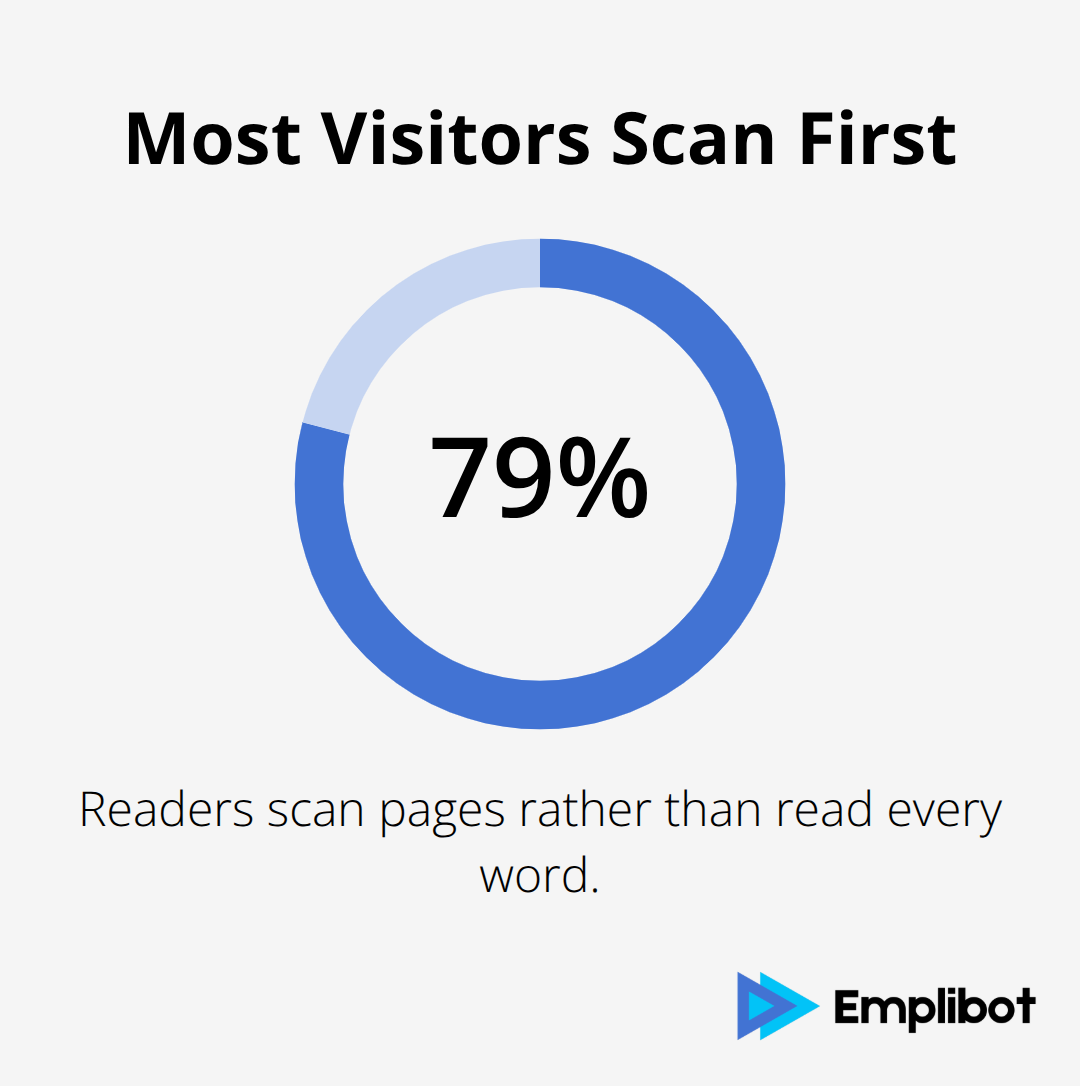
Studies on reading behavior show that 79% of readers scan pages rather than read word-for-word, so your subheadings must clearly indicate what each section covers. Use descriptive H3 subheadings that answer specific reader questions, not vague section labels. Instead of “Tools,” write “Use AI-Powered Writing Assistants for First Drafts.”
The specific version tells readers what they’ll find and why it matters. Internal links between related posts also improve engagement because they give readers a reason to stay on your site longer and discover more content. When you link to a previous post about WordPress templates within a post about writing speed, you create a pathway that keeps engaged readers exploring your content rather than returning to search results.
Speed Up Writing With Templates, AI, and Smart Workflows
Templates Eliminate the Blank Page Problem
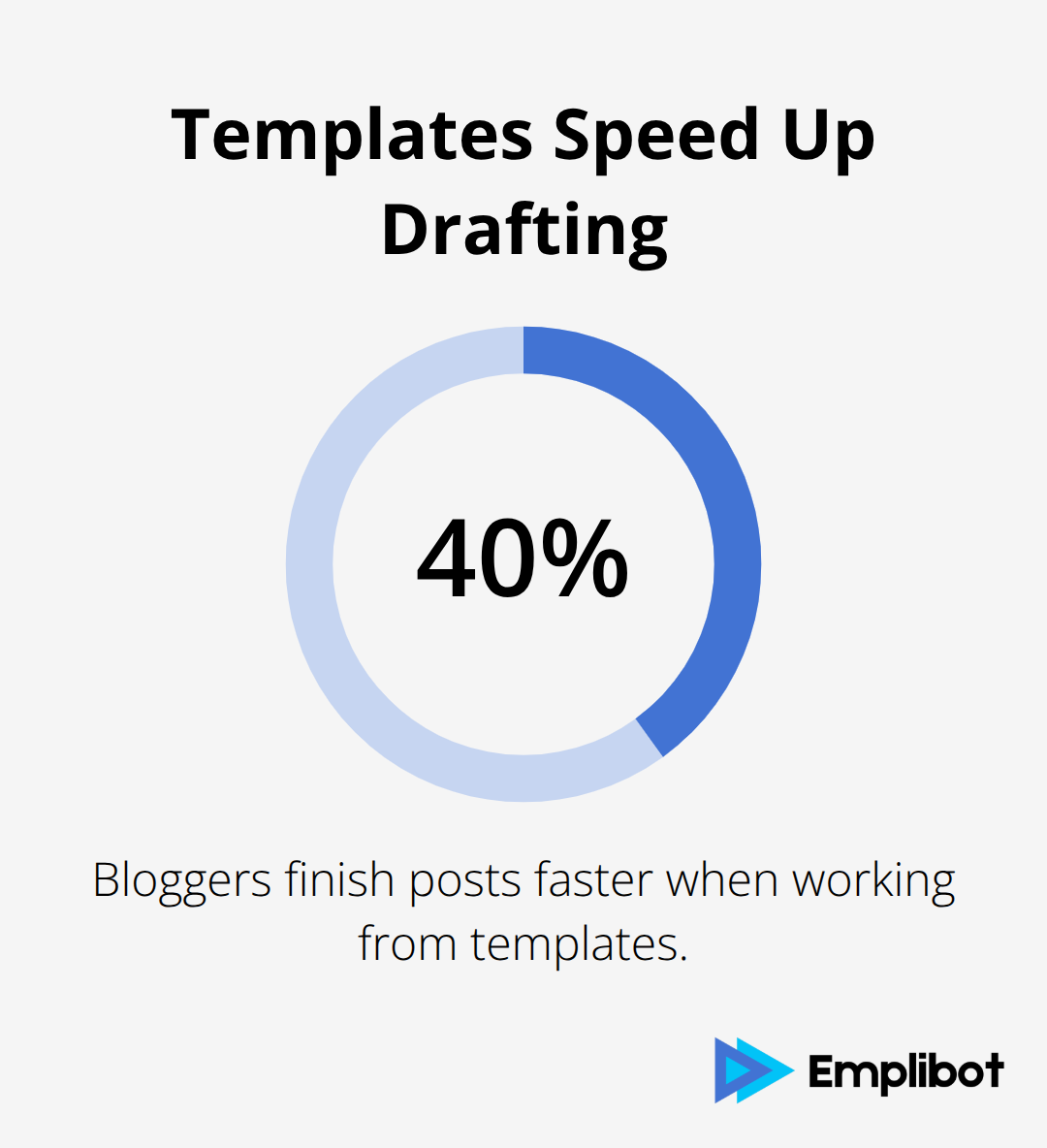
Templates stop the productivity killer that is a blank page. Instead of starting from zero, use a proven structure for every post: introduction hook, three main sections with subheadings, and a closing statement. WordPress bloggers who work from templates finish posts 40% faster because they focus on filling sections with ideas rather than inventing structure.
The Yoast SEO plugin includes readability templates that guide paragraph length and keyword placement, removing guesswork from optimization.
AI Assistants Accelerate First Drafts When You’re Specific
AI-powered writing assistants like ChatGPT or Claude accelerate first drafts significantly, but only when you feed them specific prompts. Vague instructions produce generic output. Instead of asking an AI to write about WordPress blogging, ask it to write a 200-word section explaining why short paragraphs improve engagement, with examples for WordPress users. The specificity produces usable first drafts that need editing rather than complete rewrites.
Research Gets Faster With Your Own Data
Research consumes enormous amounts of time for most bloggers. Google Search Console data already lives in your WordPress dashboard if you use Site Kit, showing exactly which search queries bring readers to your site and which posts rank poorly. Use this data to identify gaps and update underperforming posts rather than researching entirely new topics. WP Statistics, a self-hosted analytics plugin, tracks your most viewed posts and traffic sources without relying on Google’s third-party tracking, giving you privacy-friendly insights into what your audience actually engages with. This eliminates the guesswork about which topics deserve expansion or which angles resonate with readers.
Workflow Discipline Multiplies Tool Impact
Tools accelerate execution, but workflow discipline multiplies their impact. Set a writing schedule: dedicate two specific days per week to content creation and reserve the remaining days for marketing and optimization. This split prevents the common trap of writing constantly without ever promoting what you’ve created. For those managing their own writing, batch-create outlines for five posts in a single session, then write one post per day using those outlines. This approach reduces context switching and keeps your mind focused on the task at hand.
When you jump between research, writing, and editing in the same session, your brain exhausts itself switching modes. Separate these phases into distinct days or weeks to produce faster output with fewer revisions. Track how long each phase actually takes you using a simple timer or time-tracking tool, then identify which step drains the most time. Standardize these tasks: use the same image sources, apply consistent formatting, and automate featured image selection through plugins so formatting becomes automatic rather than manual. With your writing process streamlined, the next step is ensuring your posts actually reach the right audience through proper SEO optimization.
SEO Best Practices for WordPress Blog Posts
The gap between WordPress posts that rank and those buried on page two of Google search results determines whether your writing effort converts to traffic. Long-tail keywords-specific, multi-word phrases that fewer people search for but with higher intent-generate the traffic that actually converts because searchers using long-tail queries know exactly what they want. Instead of targeting a generic phrase like WordPress blogging, try WordPress blog writing for small business owners or how to write WordPress posts without hiring a writer. These specific phrases attract fewer monthly searches but pull in readers actively solving a real problem.
Target Long-Tail Keywords Your Audience Actually Searches For
Google Search Console shows you exactly which search queries already bring visitors to your site, revealing which long-tail keywords your content ranks for and which gaps exist in your coverage. WordPress bloggers who ignore this data waste months optimizing for keywords nobody searches for while ignoring the actual queries their audience uses. The tool displays your click-through rate for each post and the average position your content holds in search results, making it simple to spot underperforming posts that need updates. When you notice a post ranking in positions 5–10 for a valuable keyword, small improvements to the headline, meta description, or opening paragraph can push it into the top three results and dramatically increase traffic.
Optimize Meta Descriptions and URL Slugs
Your meta description is the 155-character snippet that appears under your headline in search results, and it directly influences whether someone clicks your link or your competitor’s. A meta description that clearly states the post’s value performs dramatically better than vague descriptions that repeat the headline. Write descriptions that answer the specific question a searcher has: instead of “WordPress blog writing tips,” write “Learn to write WordPress posts 40 percent faster using templates and AI tools.” URL slugs matter equally because they appear in search results and influence how Google interprets your content topic. Clean, descriptive slugs like wordpress-blog-writing-fast rank better than generic slugs like post-123. Yoast SEO automates meta description suggestions and flags slugs that are too long or unclear, eliminating guesswork from this optimization step.
Build Internal Links to Improve Site Authority
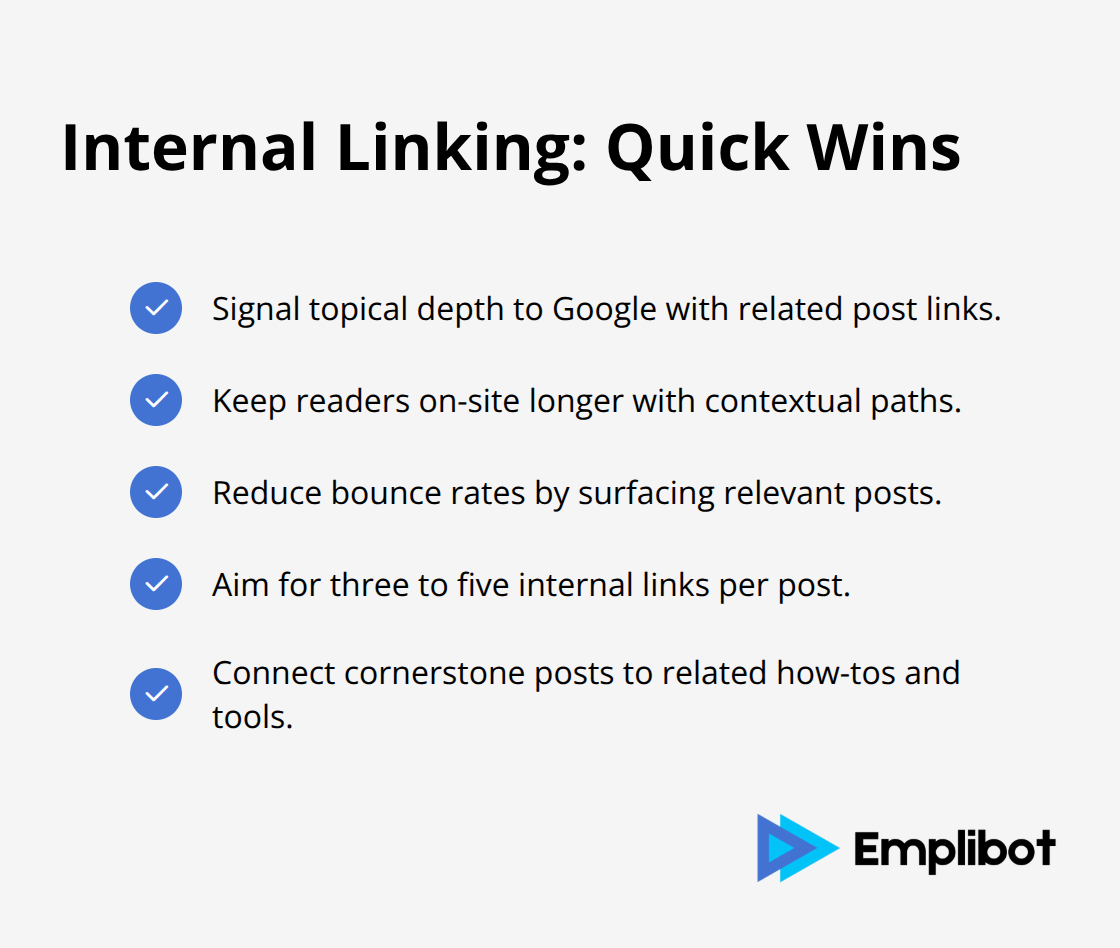
Internal linking-connecting related posts within your content-signals to Google that your site covers a topic comprehensively and keeps readers on your domain longer instead of returning to search results. When you write a post about WordPress templates, link directly to your post about AI writing assistants, creating a web of interconnected content that Google rewards with higher rankings. This approach also reduces bounce rates because readers discover additional relevant posts without leaving your site. Posts with strong internal linking structures (three to five links per post, on average) tend to rank higher than isolated posts with no connections to related content.
Final Thoughts
WordPress blog writing accelerates dramatically when you combine structure, tools, and SEO strategy into a repeatable system. The three core practices covered in this post-organizing content for engagement, using templates and AI to accelerate drafting, and optimizing for the keywords your audience actually searches for-eliminate the friction that slows most bloggers down. Implementing even one of these approaches produces measurable results within weeks.
Start with your current writing process and time yourself on your next three posts to identify which phase consumes the most hours: research, drafting, editing, or optimization. If research drains your time, pull data from Google Search Console and WP Statistics instead of starting from scratch. If drafting feels slow, build a template and use AI to generate first drafts from specific prompts. If optimization feels tedious, let Yoast SEO handle meta descriptions and readability checks automatically.
The real acceleration happens when you stop treating writing, marketing, and optimization as separate activities. A well-structured post with strong internal links naturally performs better in search results, while a post optimized for long-tail keywords attracts readers who stay longer and engage more deeply. Emplibot handles keyword research, content creation, and SEO optimization automatically, then distributes your posts across LinkedIn, Facebook, and Twitter-removing the manual work that prevents most WordPress bloggers from publishing consistently.